Toggling Between Dashboard Views
-
Go to the Top Right Corner of your screen.
-
Click the caret (▾ or ▴) next to your name.
-
To switch to the New Dashboard View:
-
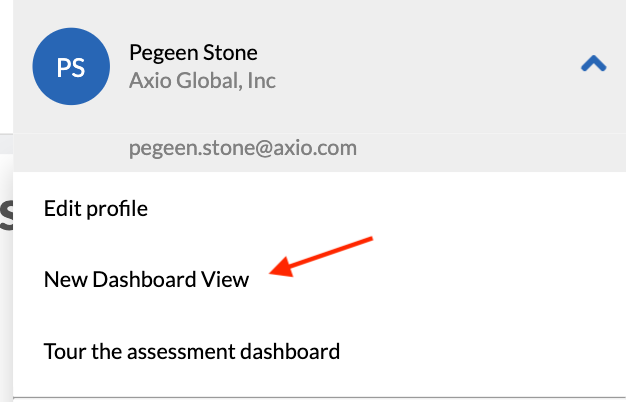
Click “New Dashboard View” (as shown in the first image).
-
-
To switch back to the Classic Dashboard View:
-
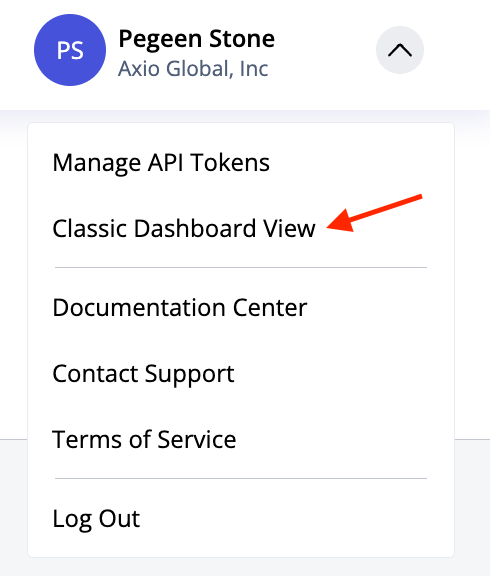
Click “Classic Dashboard View” (as shown in the second image).
-
You can toggle back and forth at any time by following these same steps.
 .