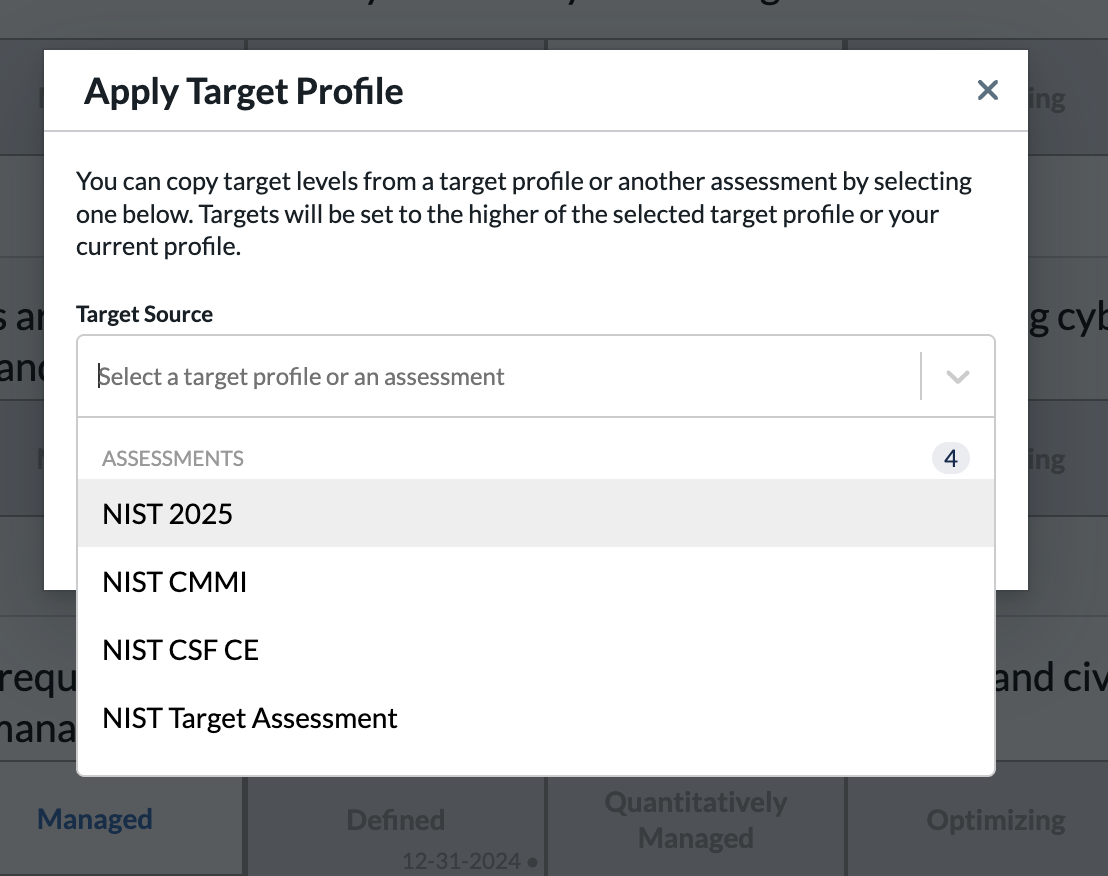
- There are three suggested ways to set target values on an assessment in the Axio360 platform
1. "Shift Click" Method
- You can select the value while holding the shift key which will set that value as the target:
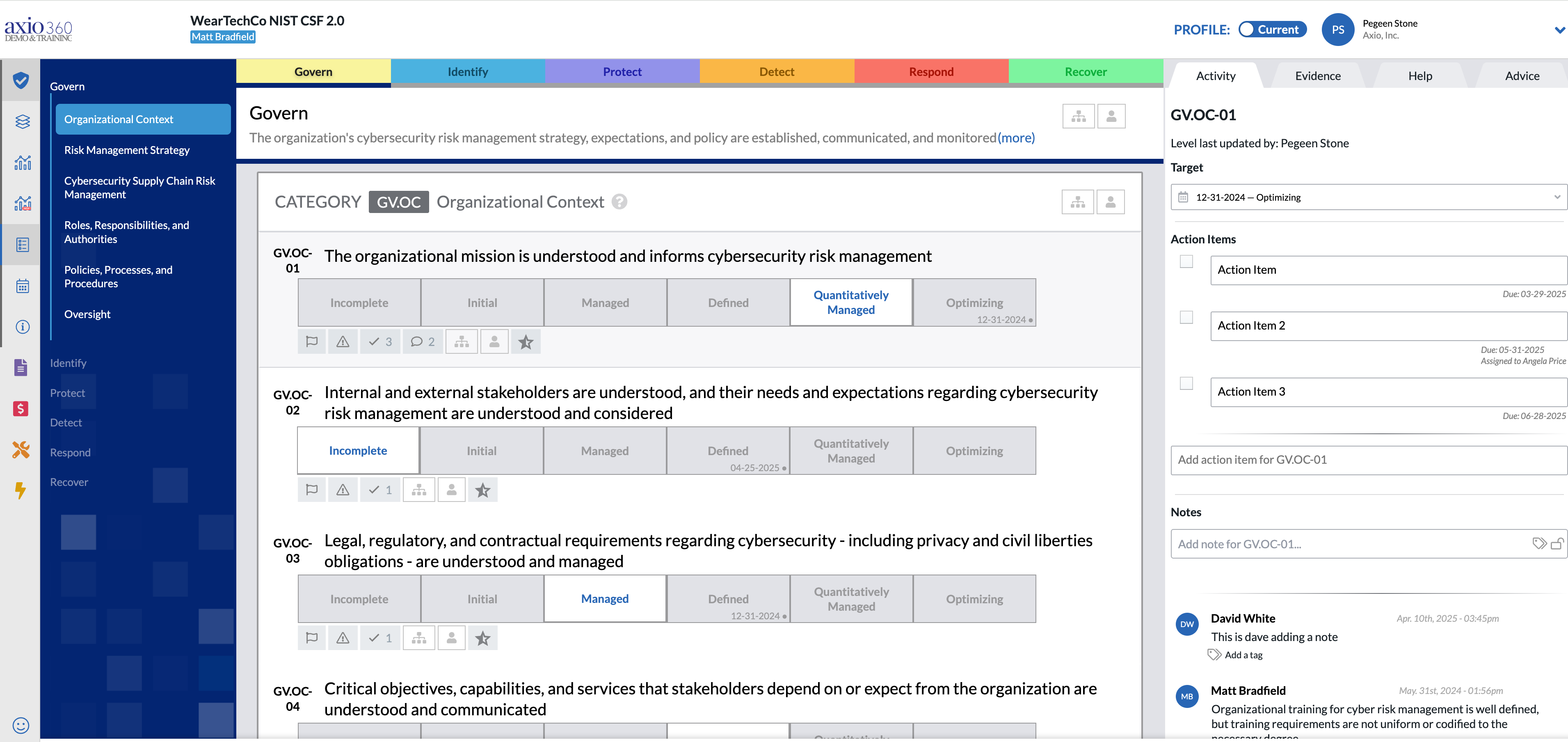
- You can then add a target date to that target on the right hand side:
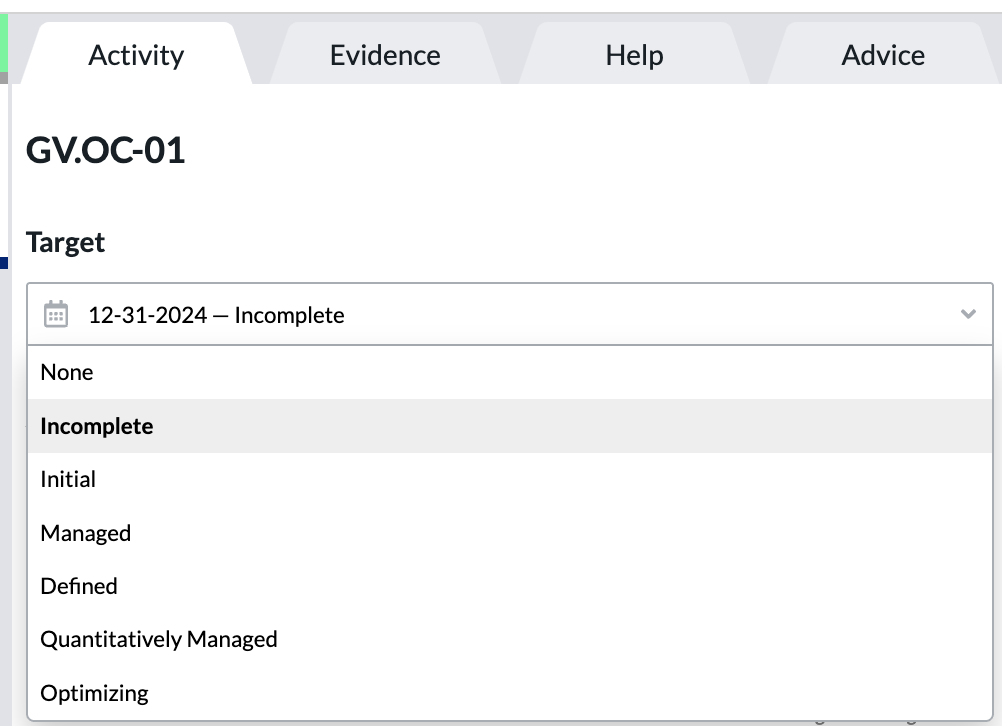
- You can see that the "Quantitively Managed" value for Question 1 has a date associated with it above.
2. "Bulk" Method
- Go to the top right section next to your username where it says "PROFILE."
- Toggle/ flip that from "CURRENT" to "TARGET:"
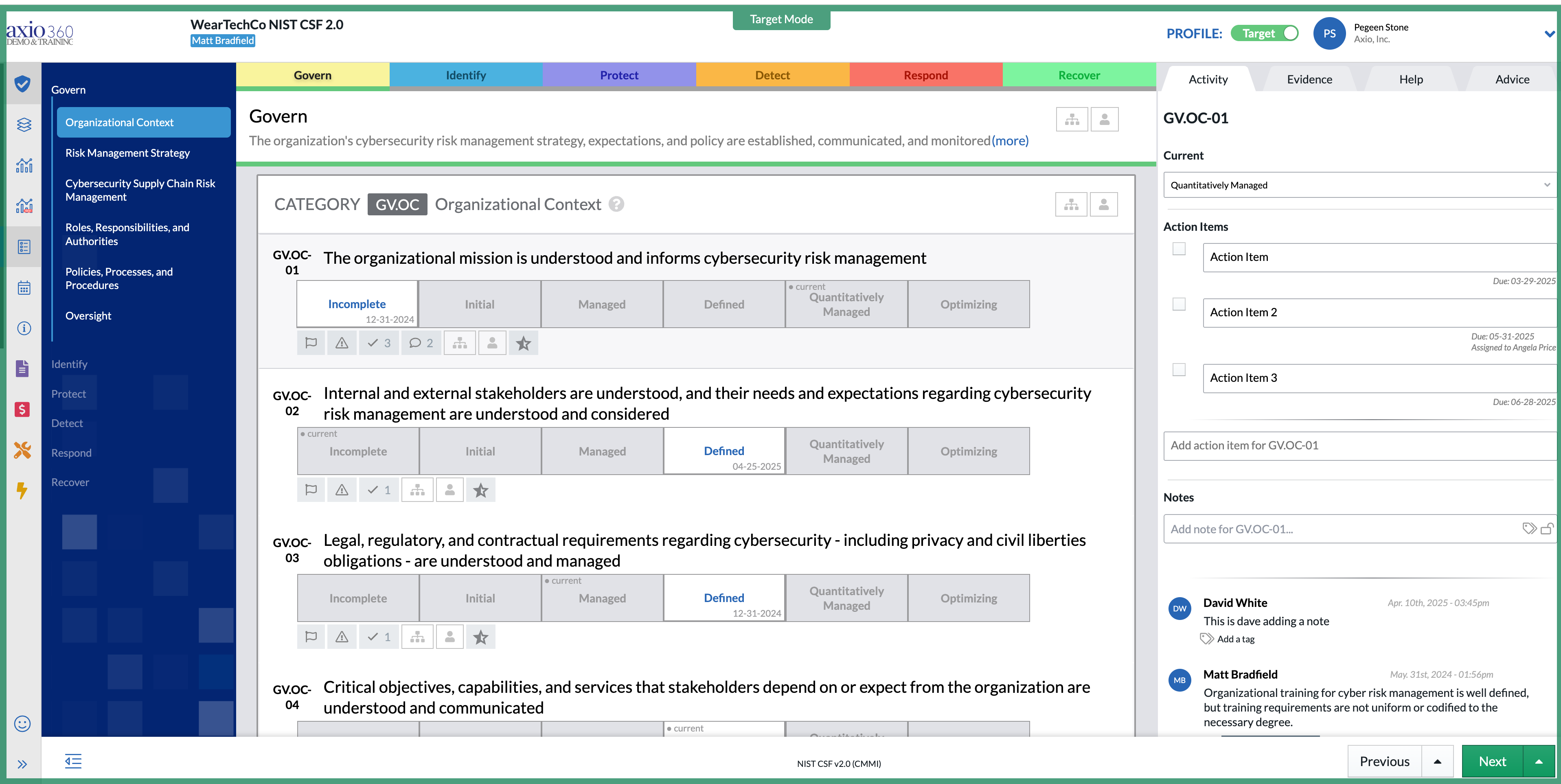
- Now everything you select will be captured as a target versus the current status.
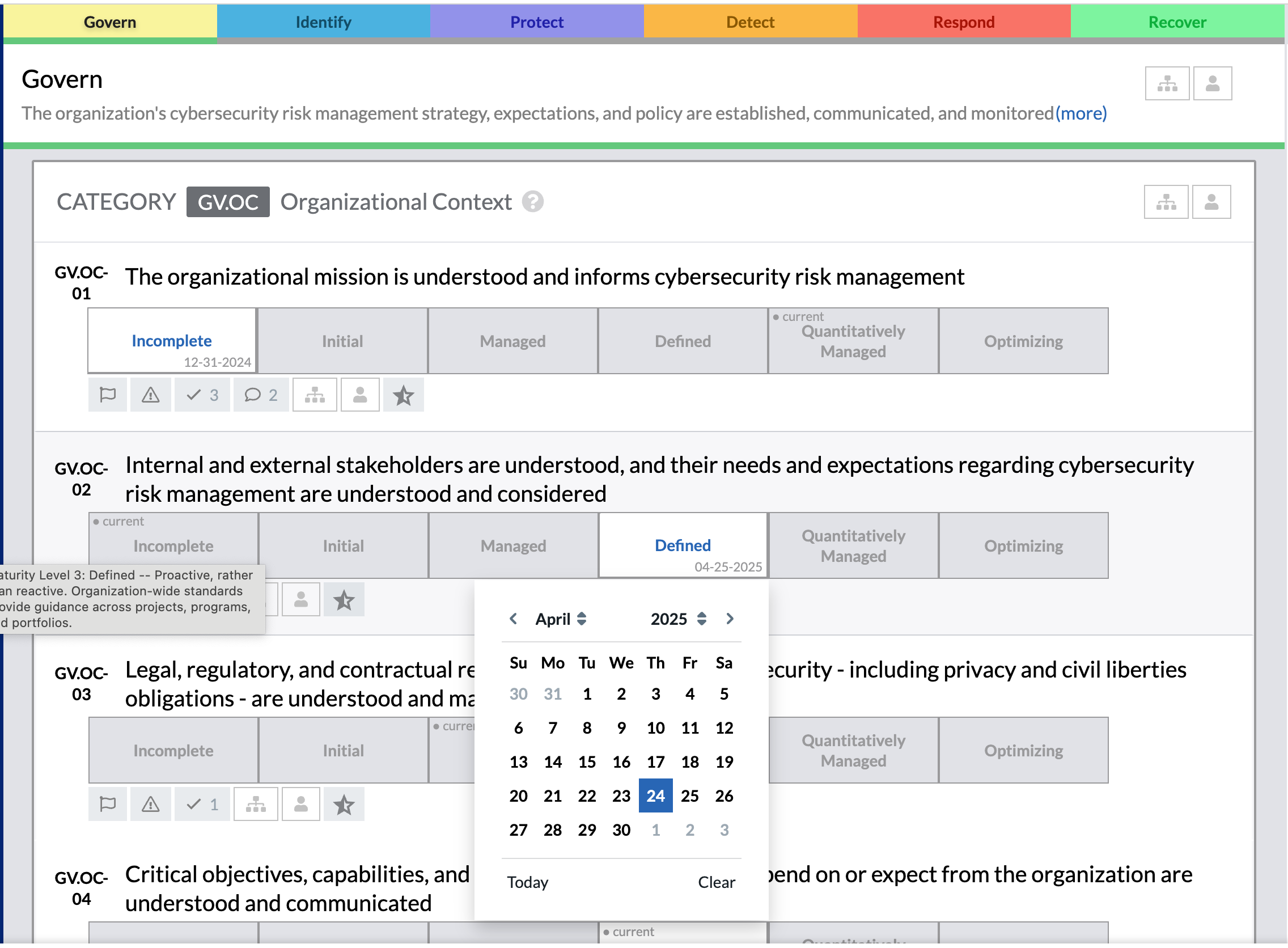
- You can also set a date as done in the previous method:
3. Applying a "Target Profile" Method
- You can also set a target profile by going to the top right drop down list under your name and selecting "Apply target profile:"
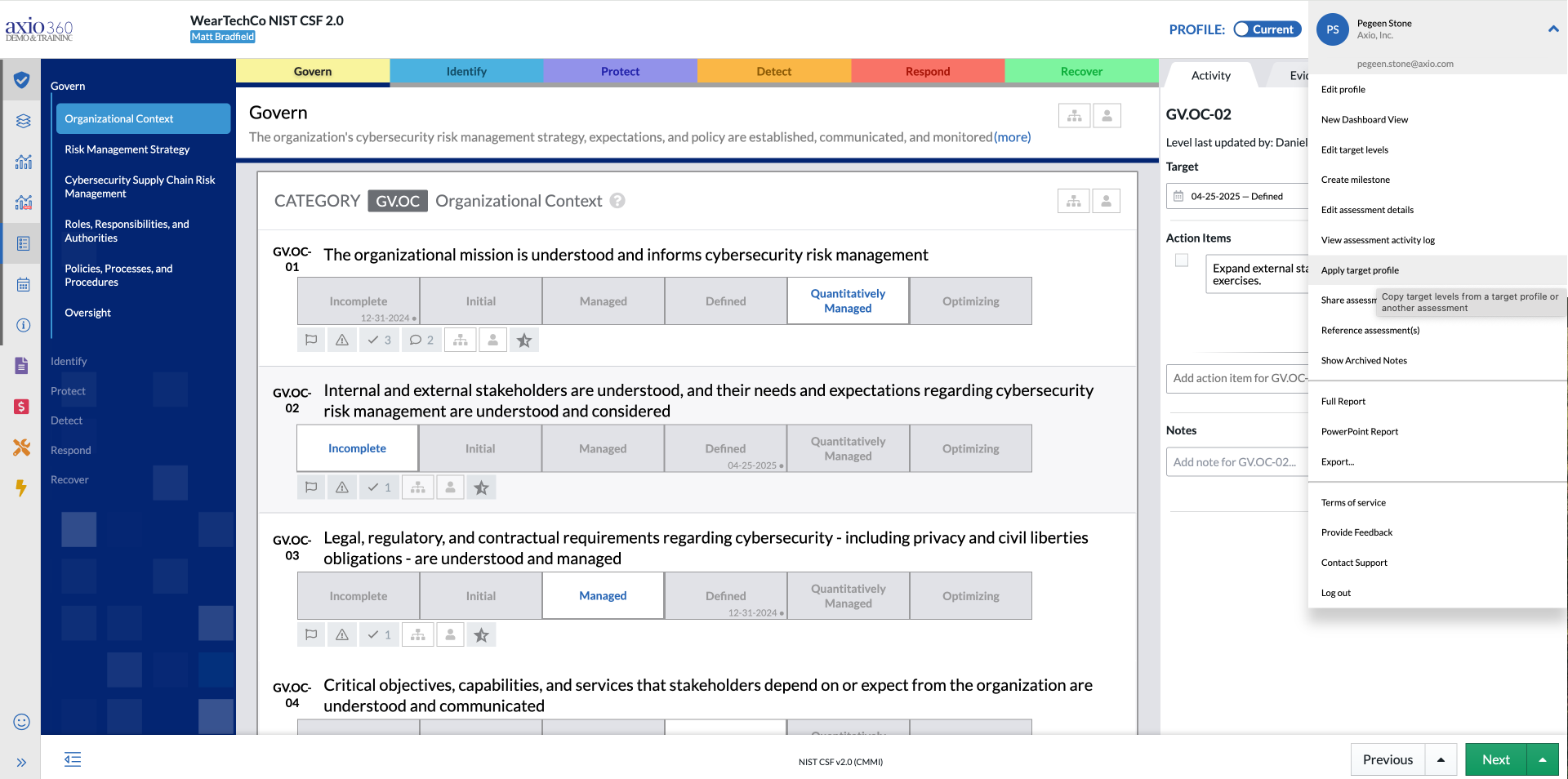
- There you will be taken to the Apply Target Profile screen and can select a similar assessment in the drop-down list and set it as the specific target for the entire assessment.
- Click "OK:"