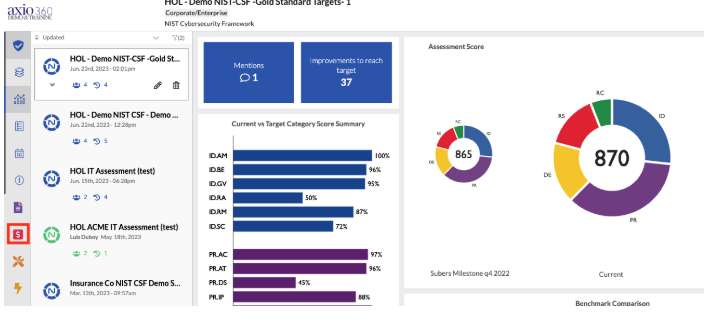
- Log into Axio360 and select the Quantification module on the left hand toolbar
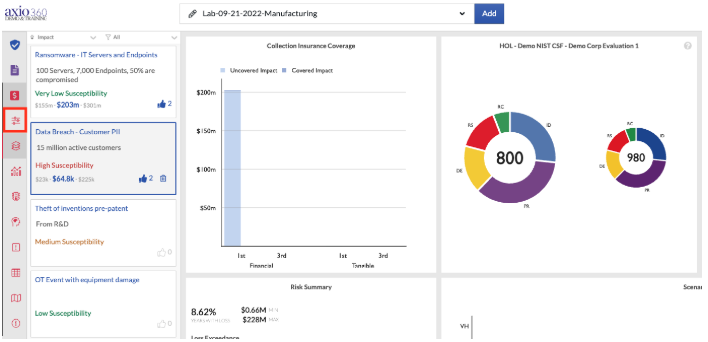
- Navigate to the "Edit the Scenario Collection"
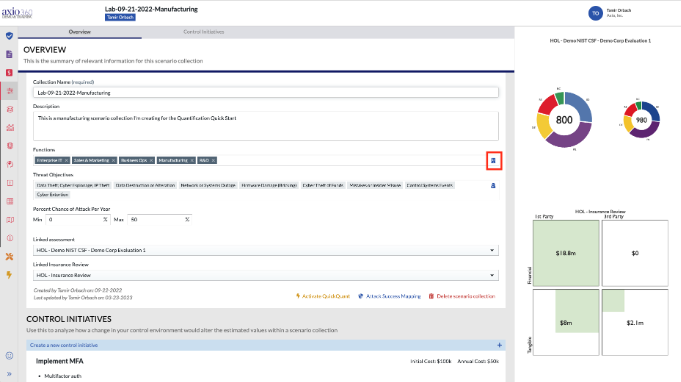
The Scenario Collection Overview:
- Enter new business functions by typing them into the Functions field and hitting enter
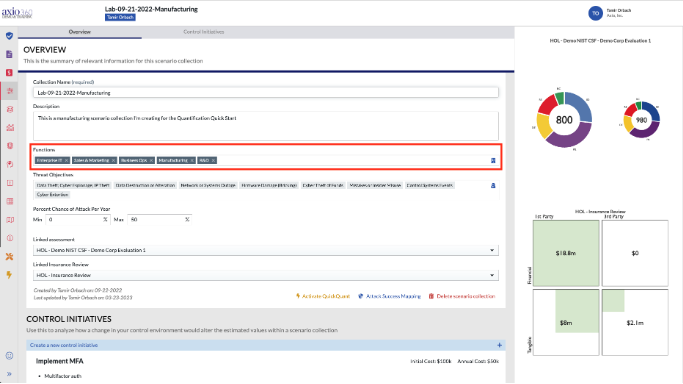
- The icon on the far right of the Functions field allows you to edit functions
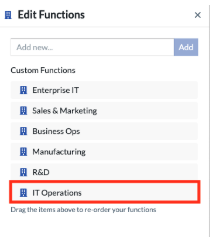
- Add new functions or edit existing functions in the window on the right hand side
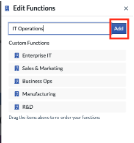
- Select add and the new function will show up in the custom functions list