
A useful feature of Axio360's Assessment module is the ability to create custom help text for assessments
- Assessment categories come with generic help text to aid the process of answering each question accurately and sufficiently, but his help text can be edited or customized per customer instance
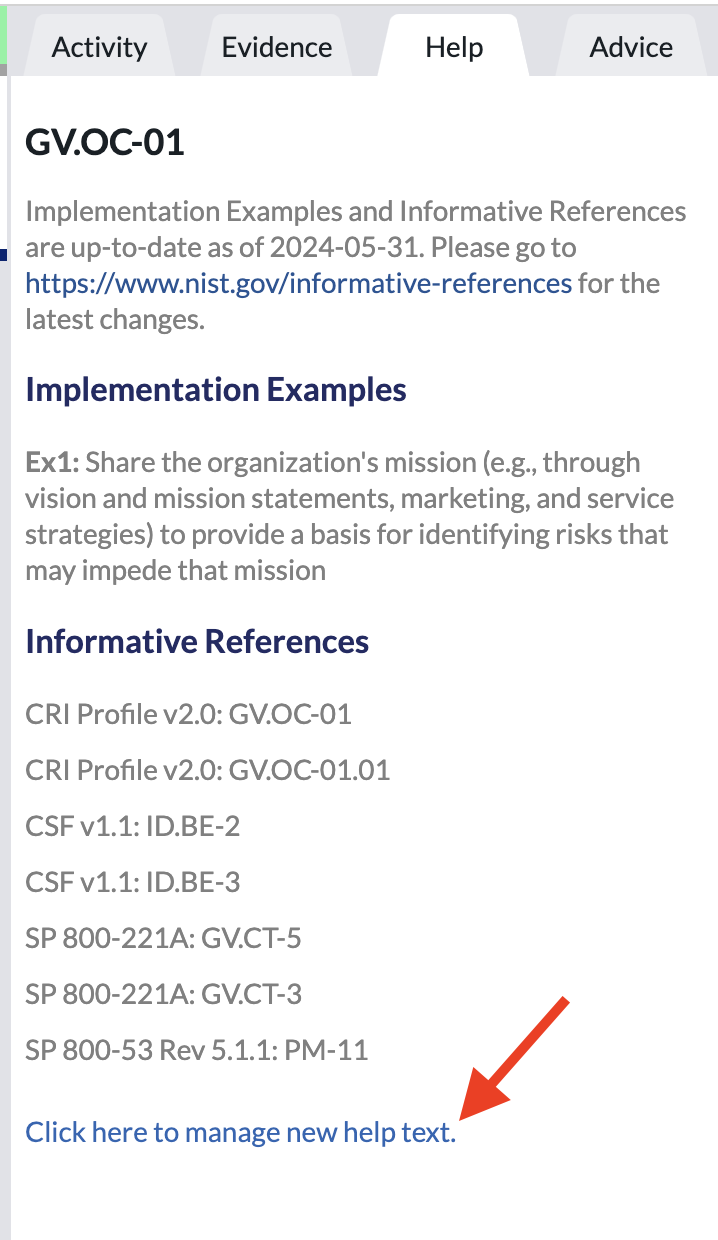
- In order to edit the help text for any given subcategory, the user has to be an Administrator
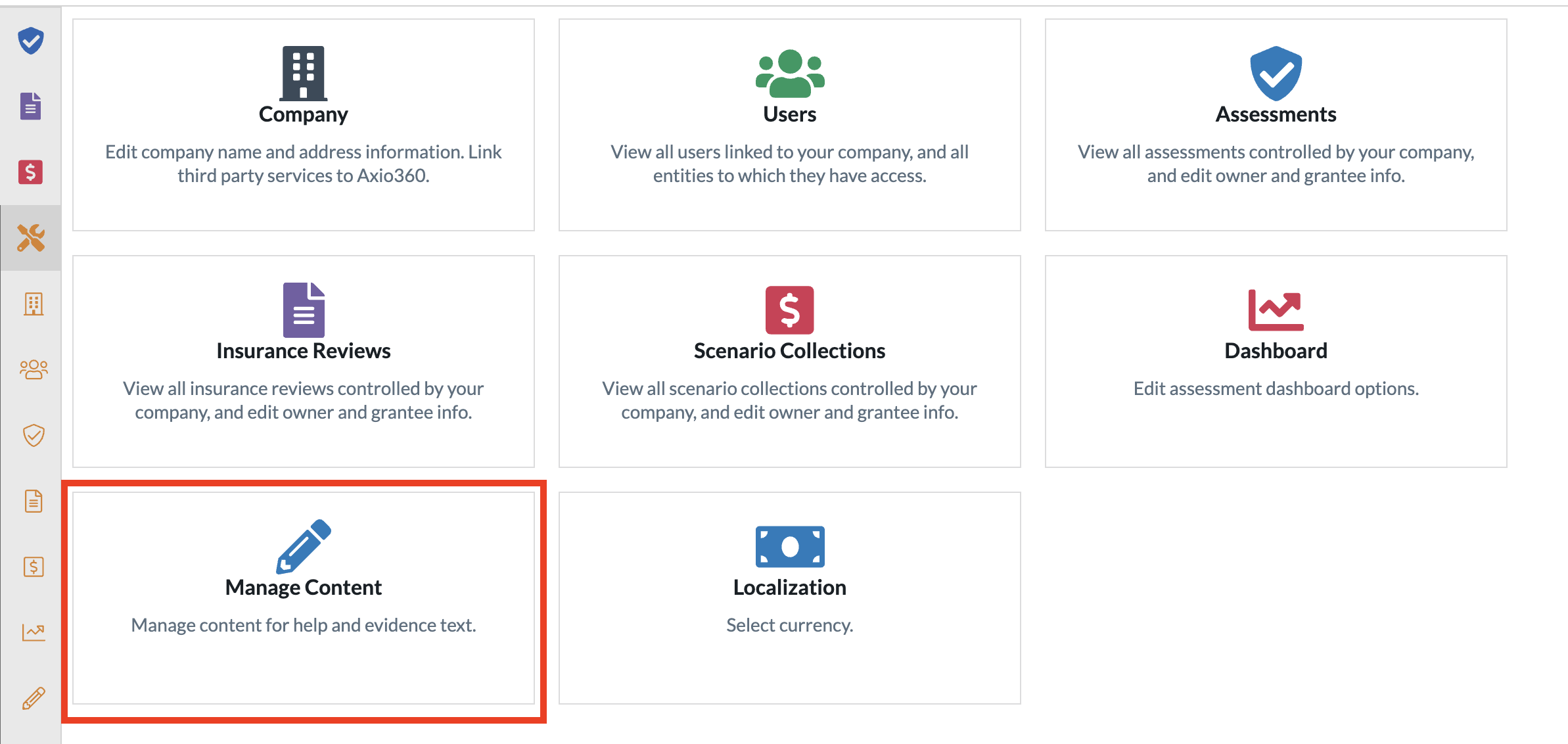
- Once an Administrator logs in, navigate to the admin console or the icon on the bottom left toolbar that look like a wrench and screwdriver

- Select the "Manage Content" widget
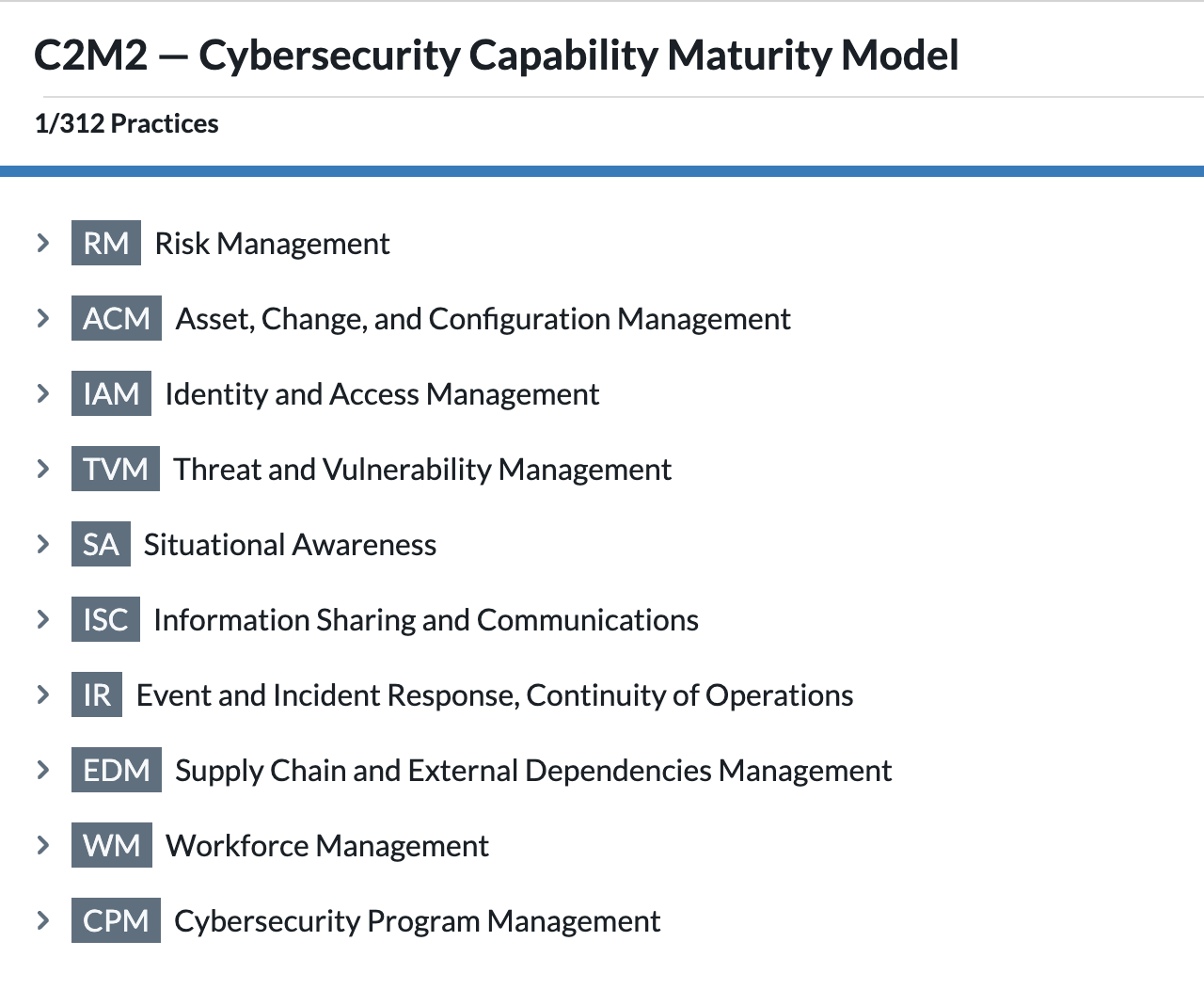
- Assessment models will be on the left and the categories/ subcategories in that assessment model on the right
- Pick the assessment model that needs custom help text added to it, there will be a hierarchical structure of that model on the right
- To modify Help Text within a model, navigate to the specific item and select it. In any model, expand the section, this will show the sub-categories.
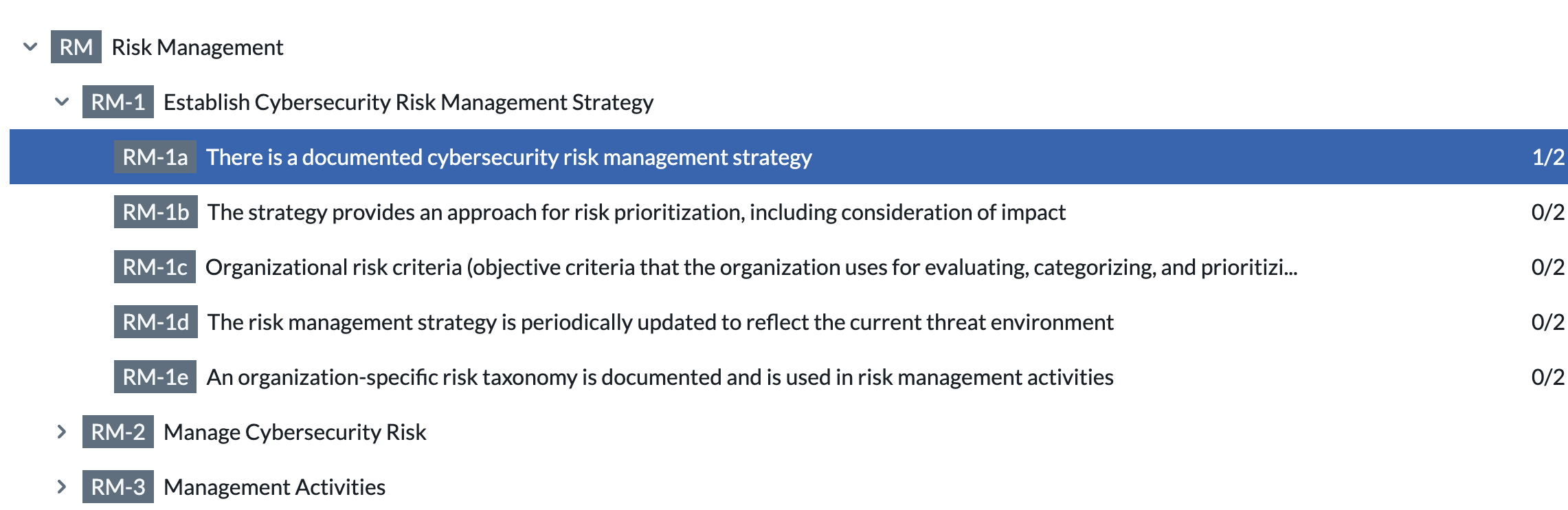
- Select the first subcategory to add custom help text to the first item. All users are informed and trained
- The "Evidence Tab" will pop up on the right
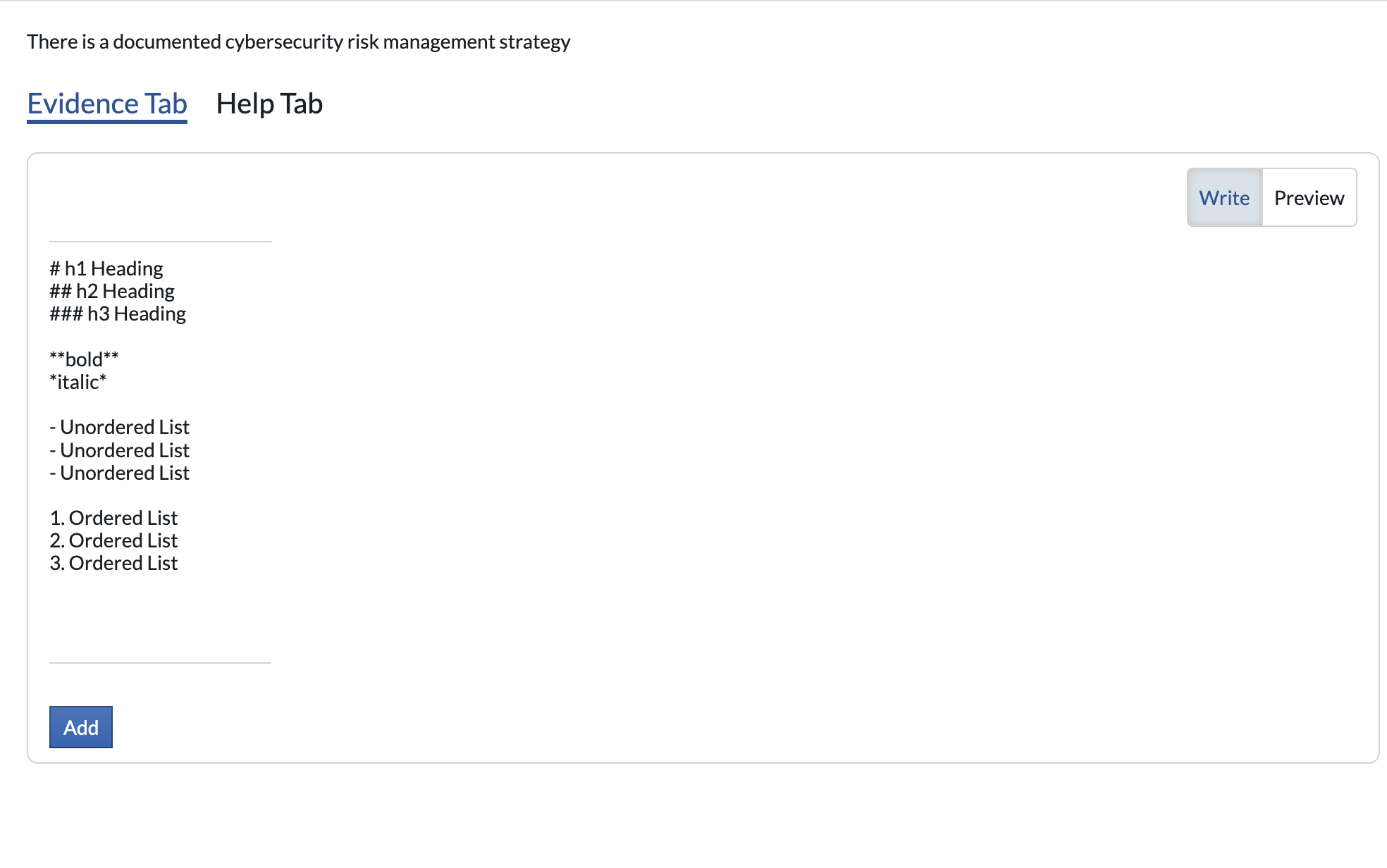
Select the "Help Tab"
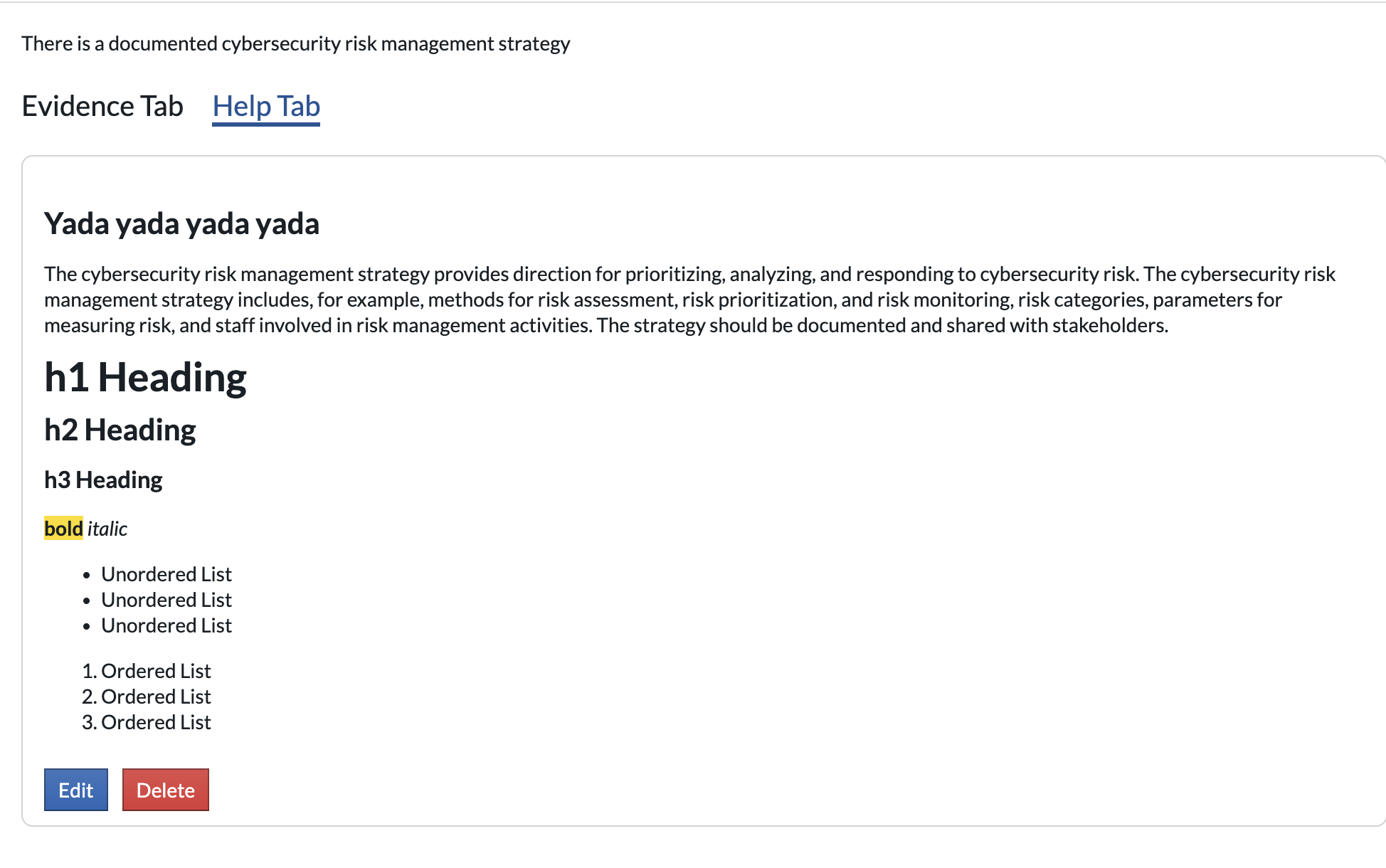
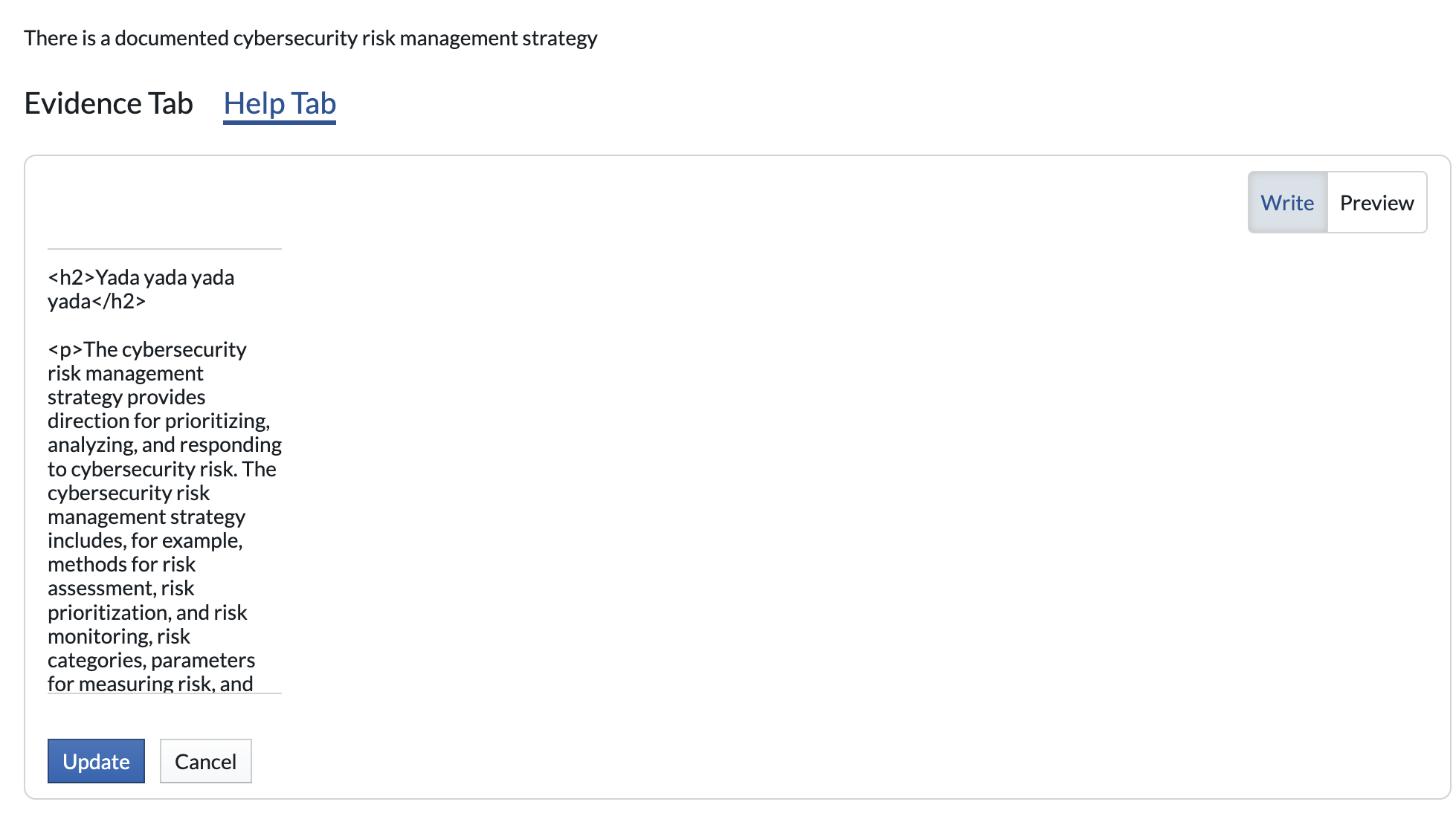
- Now select Edit on the bottom left
- An HTML view of the help text will appear, modify and then update
- *Please note we recommend using an HTML editor and then copy and pasting back into this window*
- Switch back to the assessment and refresh the page
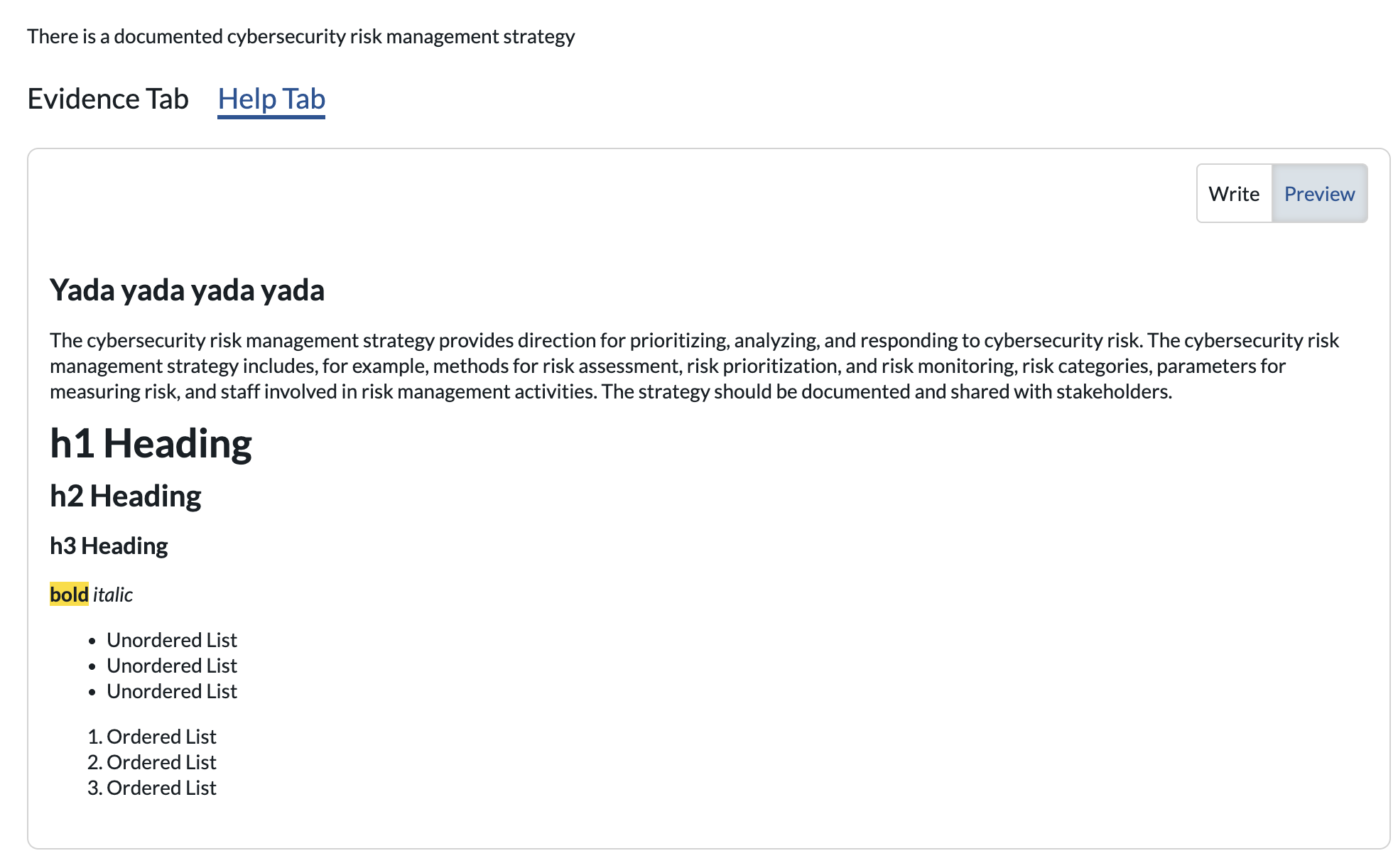
- The newly modified help text for your assessments within our tenancy will be visible when we go to the assessment, and to this specific question