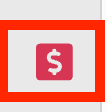
- In order to create a scenario collection in Axio360, we start by navigating to the Quantification Module icon towards the bottom left (red icon that looks like a "$" symbol):
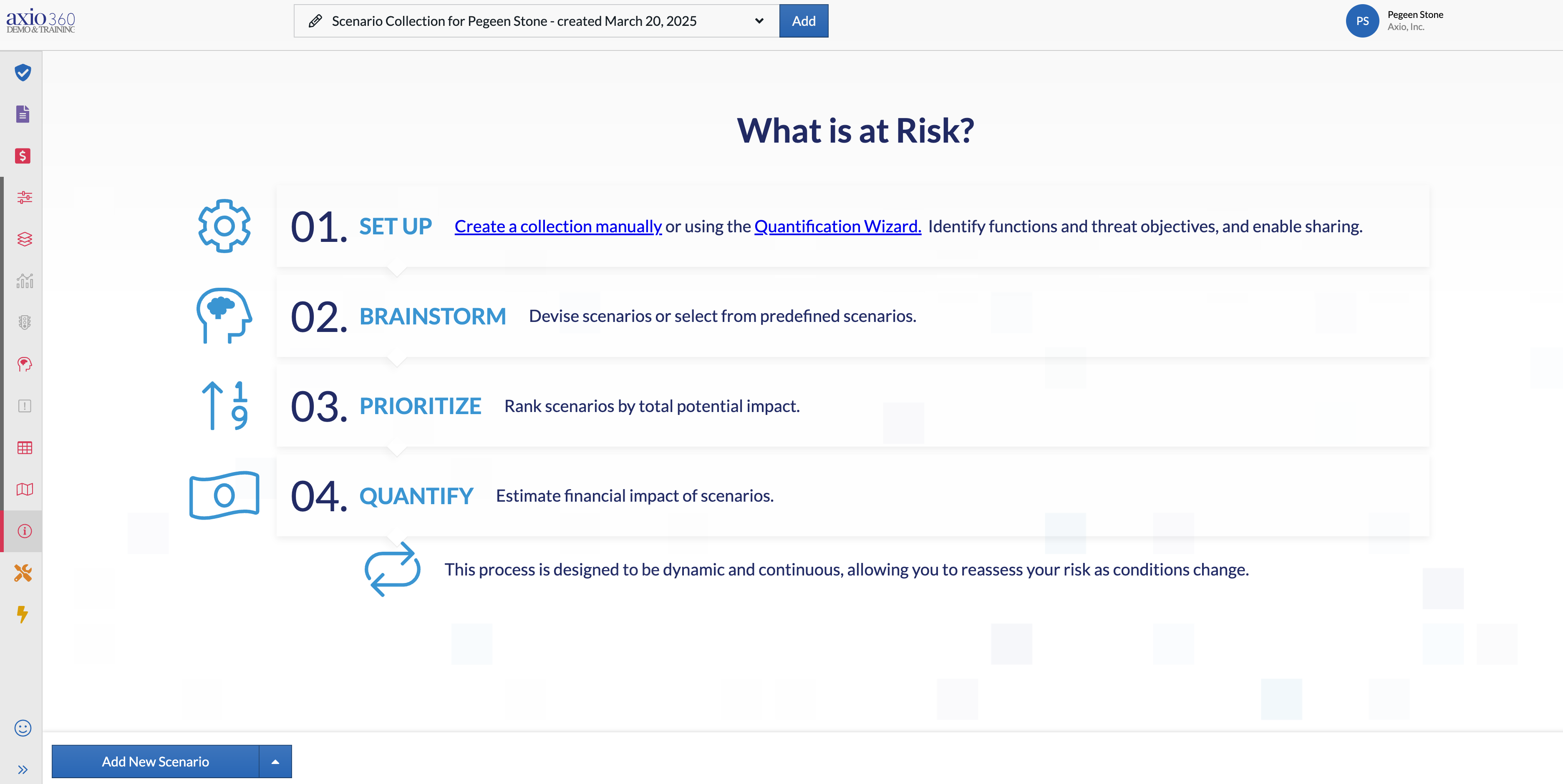
- We must then ensure we are in the Introduction screen by selecting the Introduction icon on the bottom left:
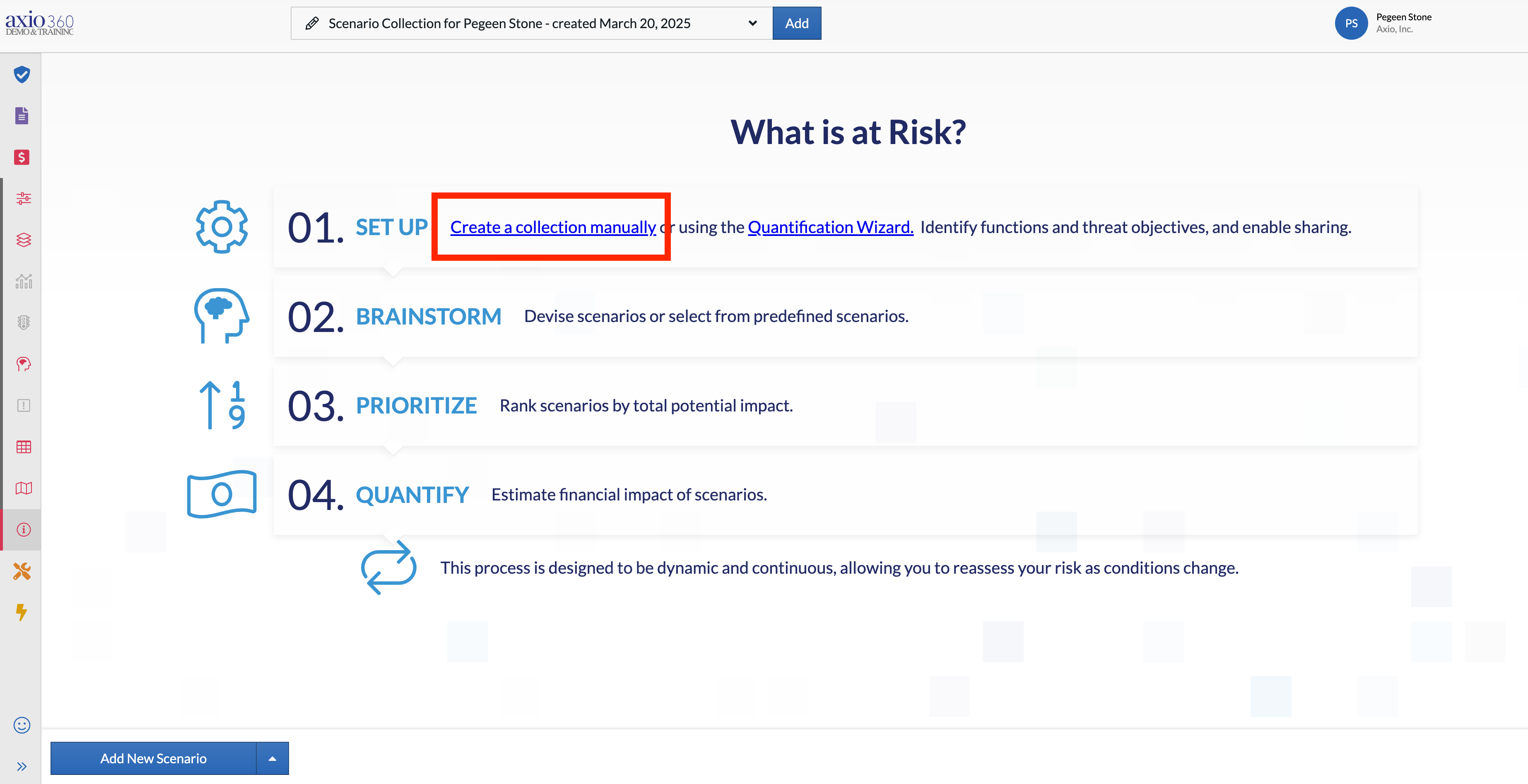
- Next, we will select the "Create a collection" hyperlink on the line "01. Set Up:"
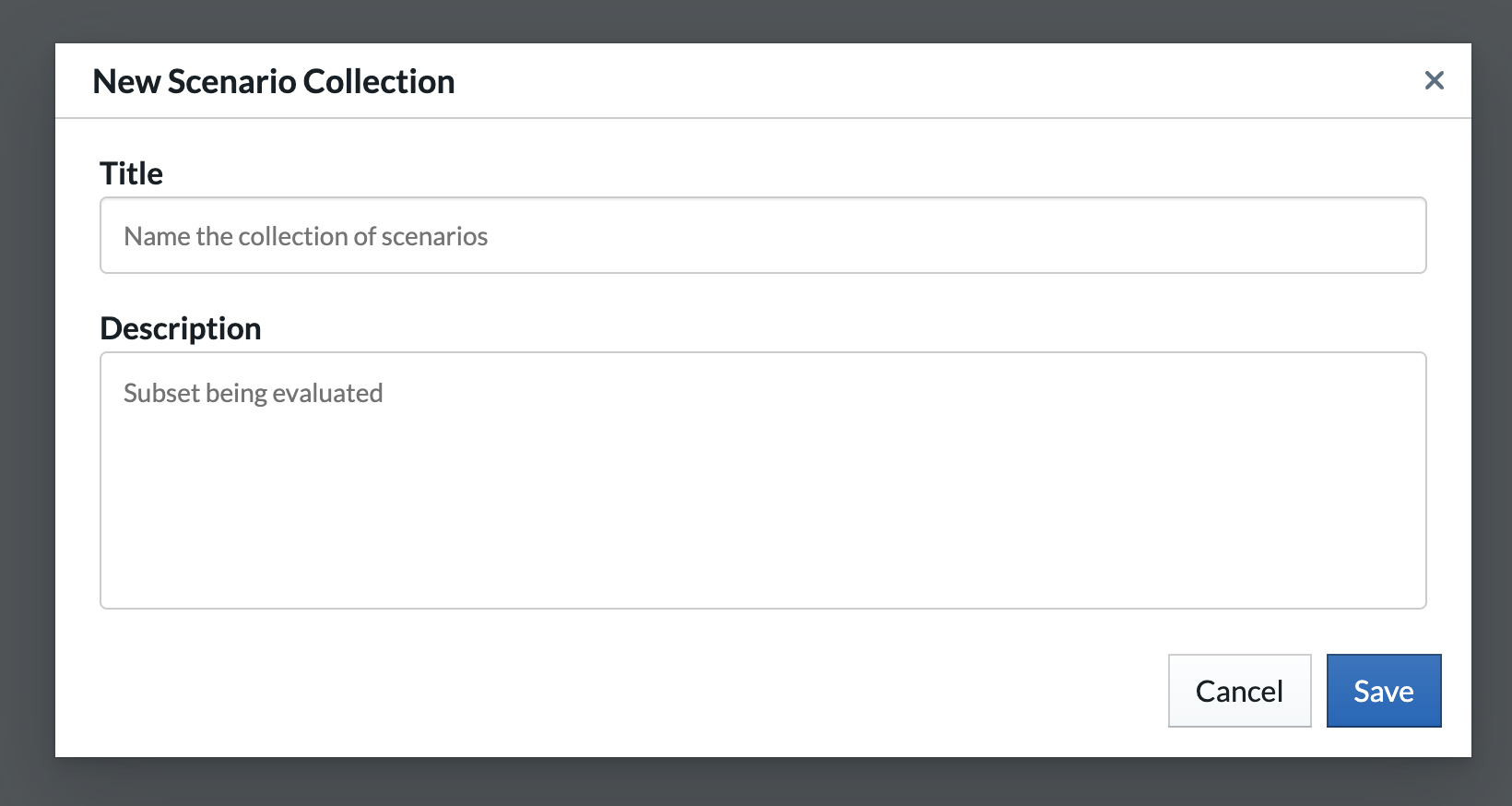
- We will name the collection and add a description then select "Save":