
- To create an action item, you will need to be on the "activity" tab on the right-hand side on an assessment.
- Enter the task in the field under "Action Items".
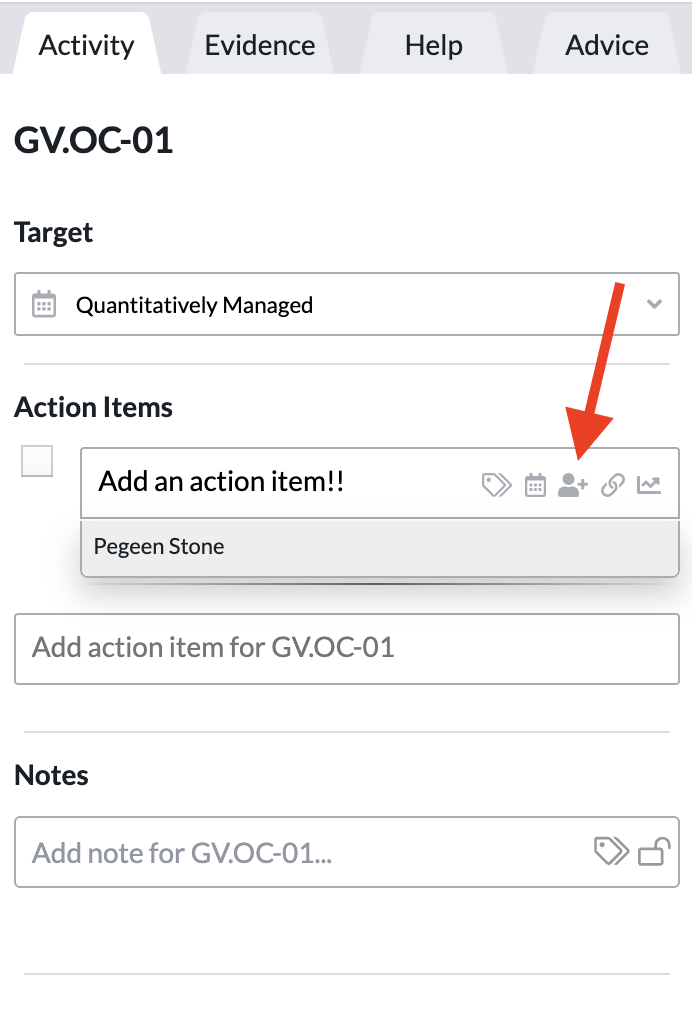
- Please note - in order to assign an action item to someone you must have shared the assessment with them beforehand:
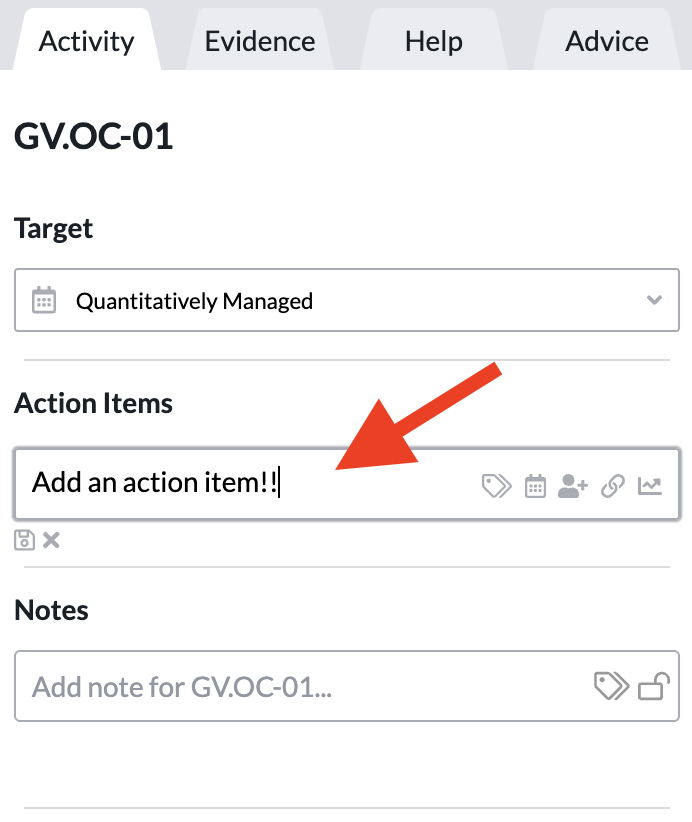
- Select the individual who will be completing the action item by searching for them in the drop-down list on the right-hand side:
- Give the individual completing the action item a due date by hitting the calendar icon on the right and selecting a date:
- *Make sure to hit the save icon after you have given a due date to your action item*.