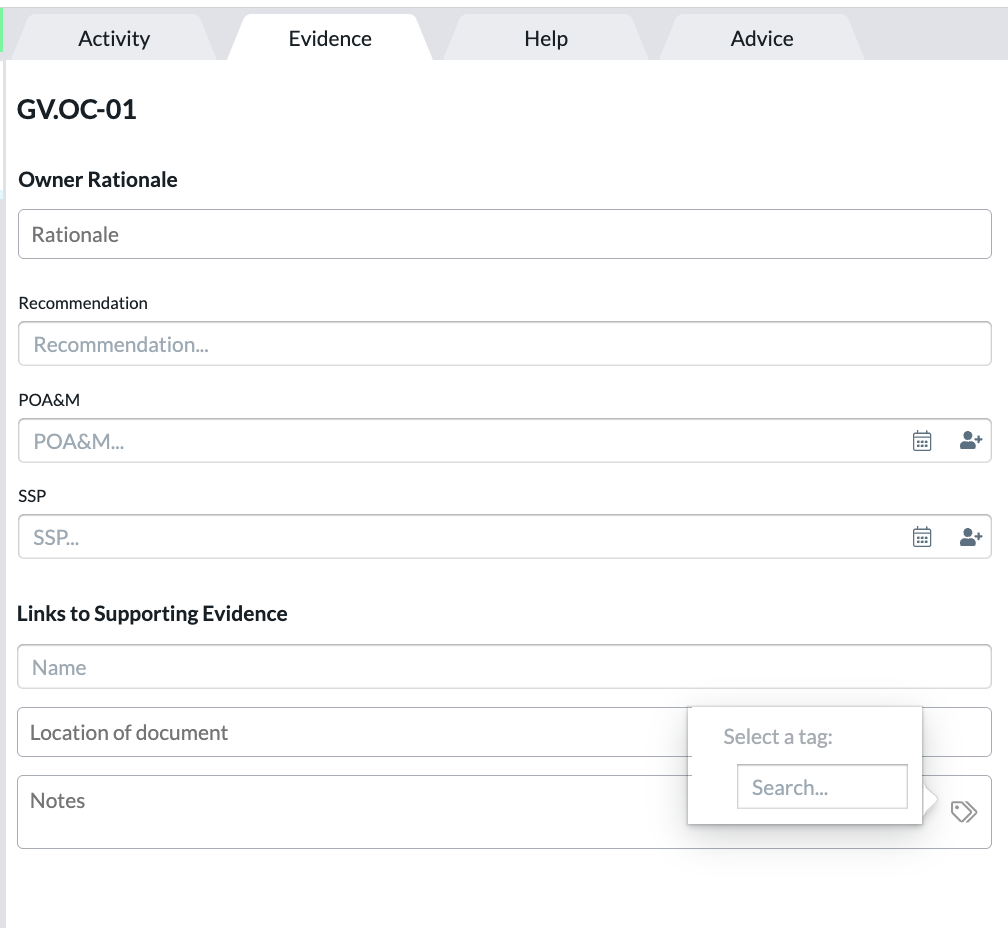
Users can add tags to the Activity Tab and Evidence Tab of an assessment. These tags are helpful to identify further types of activities and evidence provided.
On assessment export, the tags are not exported to the spreadsheet.
Activity Tab
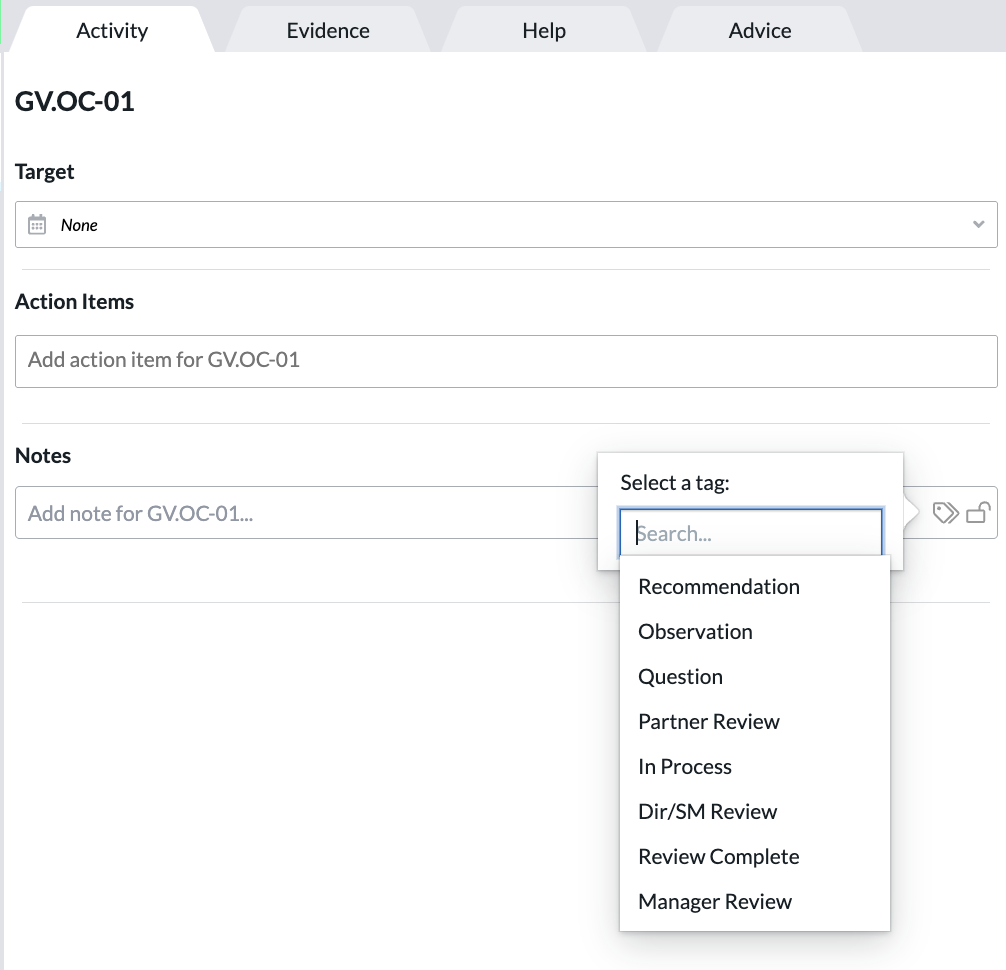
Tags on the Activity Tab can be used to indicate a state other than actual control states to not influence the maturity scoring.
Available tags on the Activity Tab are:
Tables can't be imported directly. Please insert an image of your table which can be found here.
Evidence Tab
Available tags on the Evidence Tab are:
Tables can't be imported directly. Please insert an image of your table which can be found here.
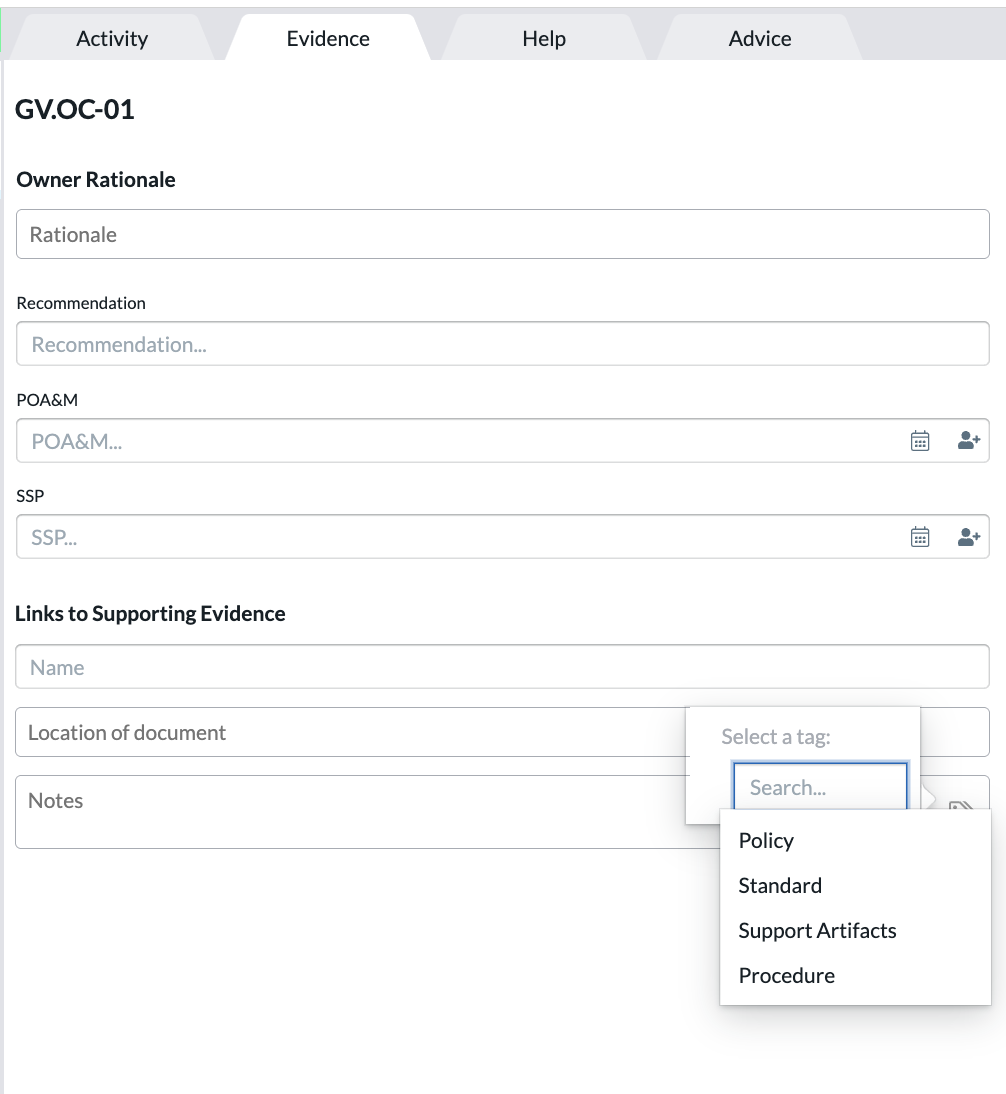
When adding evidence to an assessment, a response level on the practice must be entered before adding evidence, or the evidence might not be saved.
Also, refer to our video How to Save Notes and Evidence in Axio360.
Adding Tags
- Navigate to an assessment’s Activity or Evidence tab.
- Click the Tags icon.
- Select the Activity or Evidence tag(s) you wish to apply. Multiple tags are allowed to indicate activities or apply evidence groups.
The tags are added underneath the Notes text field on the tabs. For example: